💬 We're here to help

Need a hand?
Getting support is easy.

Have a question, found a bug, or just want to share a thought? You can reach the Chia team right from inside the app!

Two quick steps

Message us from the app

1

Open your profile.

From the home screen, open your user profile by tapping your avatar in the top right corner.
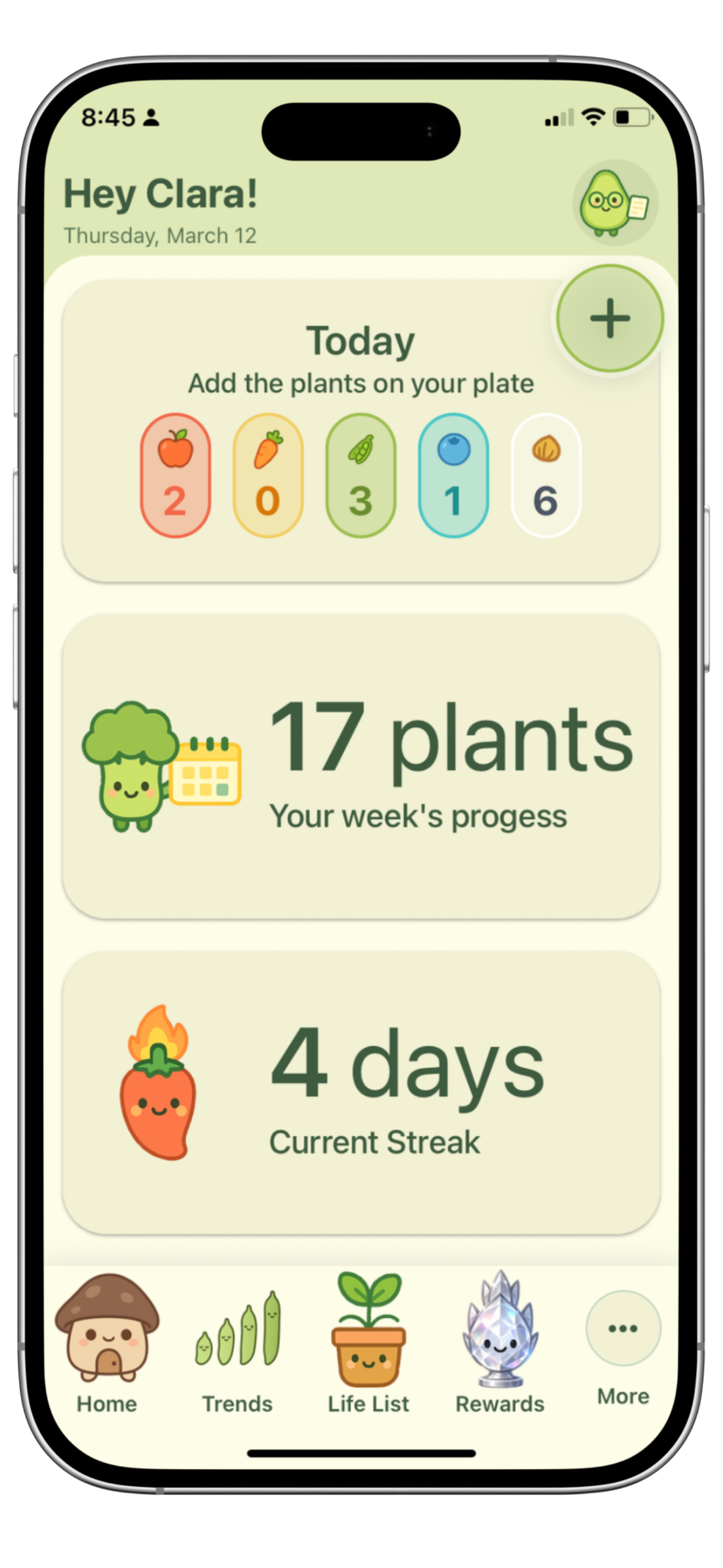
👤Your avatar is the little round portrait beside the greeting at the top of your home screen.
Chia home screen with the user avatar in the top right corner
1
Tap your avatartop right corner
2

Tap “Feedback.”

In Settings, scroll to the Feedback & Share section and tap the Feedback option to send us an email.
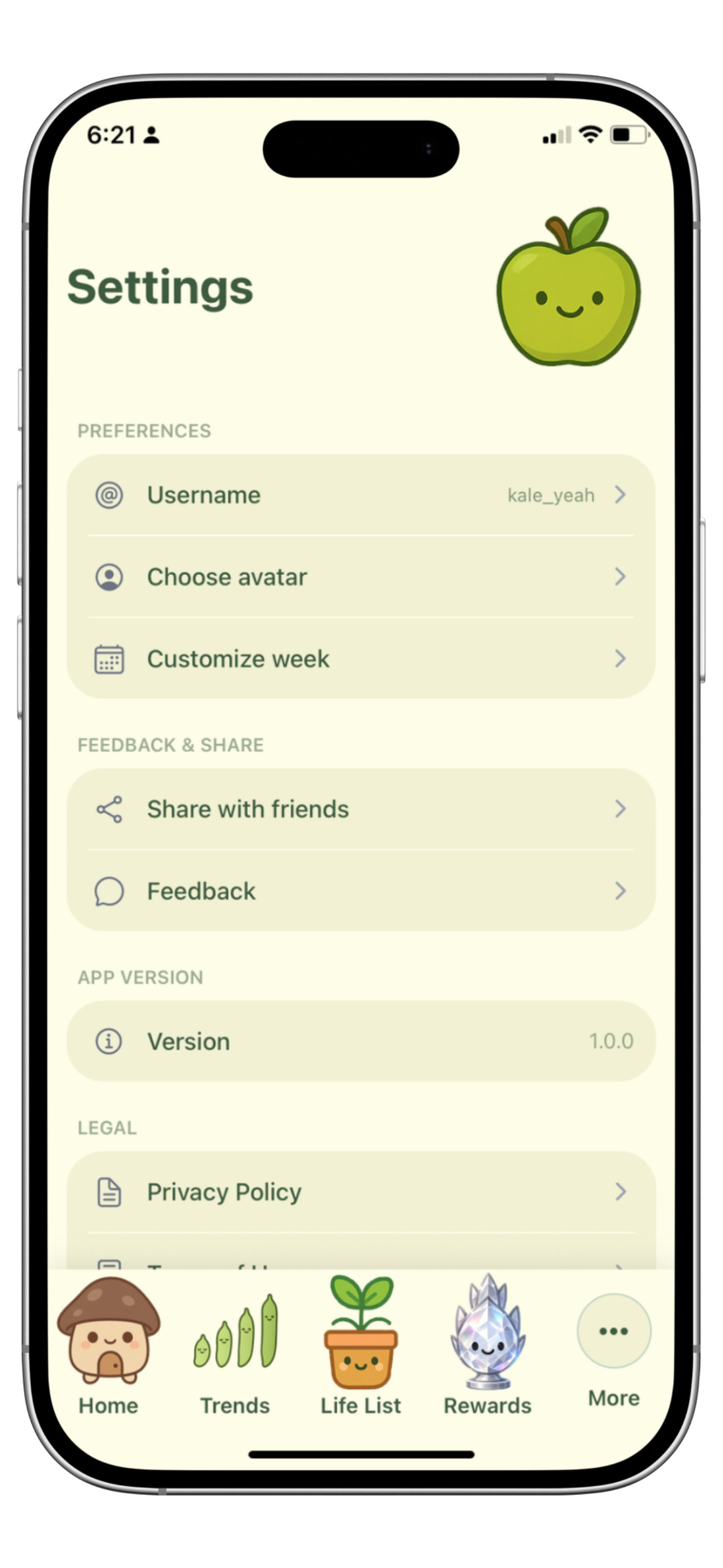

✉️This opens your mail app with a fresh message to the Chia team — tell us what's on your mind.
Chia settings screen with the Feedback option under Feedback and Share
2
Tap “Feedback”Feedback & Share